Targeting Debug
How to debug targeting expressions using ASRouter devtools on Desktop.
Debugging Targeting Expressions
How to Enable ASRouter Devtools
- In
about:config, setbrowser.newtabpage.activity-stream.asrouter.devtoolsEnabledtotrue - Visit
about:newtab#devtools-targetingto see the devtools (you need to copy-paste this manually to navigate).
Overview of ASRouter Devtools
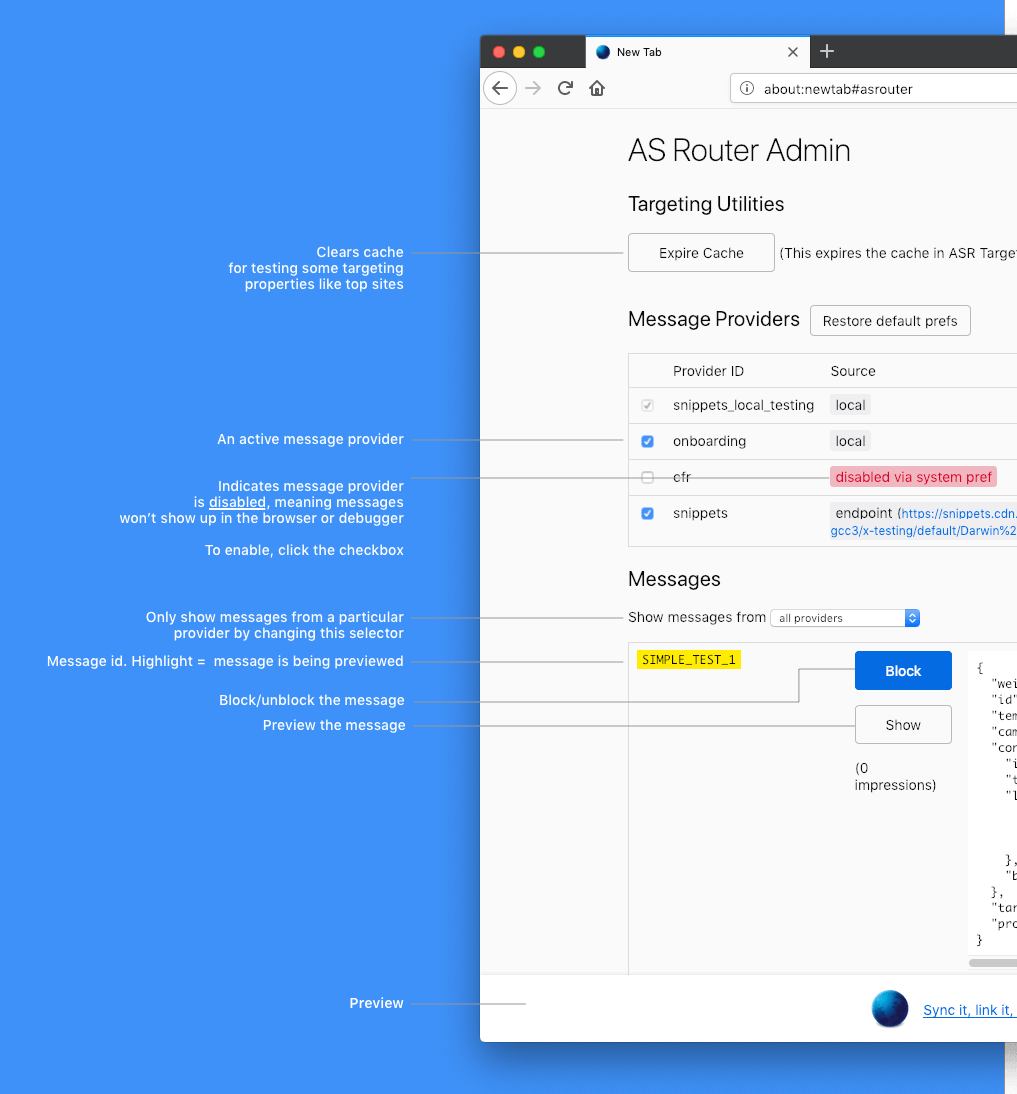
Targeting
Available targeting attributes are documented in firefox-source-docs.
Inside the textarea targeting expressions can be written and evaluated using the Evaluate button.
| Targeting expression | Status | Result | Observation |
|---|---|---|---|
| Correctly formatted JEXL expression | ❌ ✅ | false true | Depends on the truth value of the expression |
| Correctly formatted JEXL expression referencing unknown variables | ❌ | Empty result | Using unknown variables is an error, result is neither true nor false |
| JEXL expression with syntax error | ❌ | <ERR_MSG> | Full error message is shown |
Builtin Functions and Examples
The full list of available functions can be seen in FilterExpressions.sys.mjs.
A JEXL function is called using the | operator followed by the function name, example: [1,2,3]|length == 3.
- Any preference can be read using
|prefValue - An array of objects can be filtered by key value
topFrecentSites // An array of objects with `frequency` and `host` names

topFrecentSites[.frecency > 9000] // returns an array containing only those objects with frequency over 9000
[1,2,3] intersect [3,4,5]=>[3]
[{a:1, type:"foo"}, {b:2, type:"bar"}]|mapToProperty("type")=>["foo", "bar"]- Date casting
// Is the profile older than 7 days
(currentDate | (date - profileAgeCreated)) / 86400000 > 7;
1 in [1,2,3]=>true"JEXL expression"|regExpMatch("\w+")=>["JEXL"]